
AI Vocal Remover
Upload a local file, run Demucs-based separation, then preview and download MP3/WAV stems for vocal and instrumental parts.
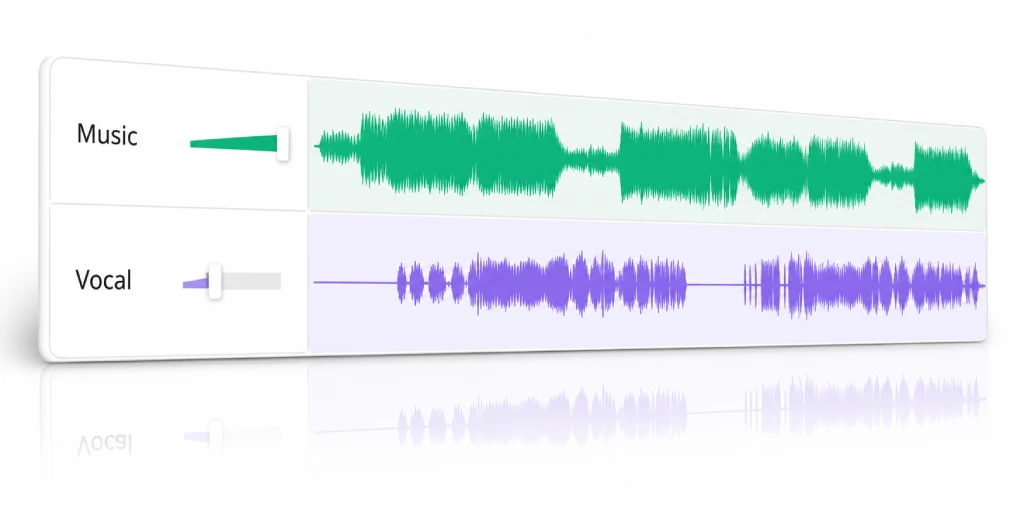
How to Use a Vocal Remover Online
Use this AI vocal remover to remove vocals from a song or track, then review MP3/WAV stems in 3 simple steps.
1. Upload an audio file
Choose or drag in one local audio file up to 50MB.
2. Start vocal separation
Start the cloud workflow to remove vocal parts and keep the live result page open.
3. Preview MP3/WAV stems
Listen to vocal and instrumental MP3/WAV stems, then download the files you need.
Designed for You
Practical vocal remover workflows for practice, content editing, production prep, and lightweight stem previewing.
Musicians
Practice timing, study arrangements, and rehearse with the lead vocal separated from the backing track.
Singers
Create karaoke-style instrumental tracks for covers, warmups, and performance prep from a local audio file.
Creators
Split vocals from background beds so shorts, tutorials, and social edits are easier to shape before publishing.
Producers
Generate quick draft stems before sketching edits, remixes, mashups, or arrangement ideas.
Learners
Compare full tracks with separated stems to hear melody, rhythm, and backing parts more clearly.
Audio Editors
Preview vocal and instrumental MP3/WAV stems when a fast two-stem split is enough for the job.
Fast Vocal Removal, No DAW Required
A focused flow to remove vocals from music when you need a quick split, not a full DAW or multi-stem editing suite.
Remove vocals in one run
Upload one track and get separate vocal and instrumental MP3/WAV stems without extra setup.
Preview before download
Listen to both stems in the browser before deciding what to keep or export.
Simple upload flow
Drag in one audio file, start separation, and watch the result page update while the AI vocal remover runs.
MP3/WAV stems for quick exports
Download practical stems for browser playback, sharing, rehearsal, and quick handoff.
Short-lived files
Result files are intended for quick access and typically stay available for about one hour.
No signup workflow
Choose a file and run the job directly without creating an account or setting up a workspace first.
Real User Reviews
Role-based feedback snapshots for the upload, preview, and download workflow.
The instrumental preview makes it easy to check whether a track is ready for rehearsal before downloading.
CS
Cover singerPractice workflow
A quick vocal and backing split is enough for rough cuts, captions, and social edits without opening a full editor.
VC
Video creatorShort-form editing
Hearing the vocal and backing track separately helps me focus on melody, timing, and arrangement details.
AS
Audio studentListening practice
The two-stem output is useful for testing remix ideas before committing time to a heavier production session.
P
ProducerDraft prep
Browser preview helps confirm both MP3/WAV stems before handing files off or downloading the final assets.
AE
Audio editorFast checks
Uploading one file and getting an instrumental track back keeps last-minute set preparation straightforward.
KH
Karaoke hostInstrumental prep
The instrumental stem is handy when I need a clean practice track for choreography without rebuilding the song.
DT
Dance teacherClass prep
Separate vocal and instrumental previews help me test transition ideas before exporting files for a set.
RD
Remix DJSet edits
Previewing both stems in the browser keeps lesson audio cleanup fast when I only need a simple split.
CE
Content educatorLesson clips